Android install
COME APK for Android: Download, Install, Open
Five steps take you from the download button to COME on your home screen. The APK is for Android phones; on iPhone, open COME in the browser.
- Download. Tap Download COME APK. Your browser saves the file. Download help
- Find the file. Open the download notification, your browser's Downloads list, or Files → Download.
- Allow installation. Android asks whether the app you opened the file with may install apps. Allow it. Install help
- Install. Check the install screen says COME, then tap Install.
- Open. Tap Open and sign in or sign up. First open
What Android Will Show You
- A browser notice about the file type. Browsers show this for every APK download. Continue if you started from this site's button.
- A permission prompt. Android asks whether your browser or file manager may install apps. This applies to that one app, and you can switch it off afterwards in Settings.
- The install screen. It names the app. It should say COME.
- Google Play Protect. It may scan the app. If it warns you, cancel.
If a Step Stops You
| Step | Problem | Go to |
|---|---|---|
| Download | Doesn't start or stops halfway | Troubleshooting |
| Find the file | Not in Downloads | Download help |
| Install | Blocked or "App not installed" | Install help |
| Open | Blank screen or sign-in trouble | First open |
Already Installed?
If COME is on your phone and opens, you don't need to download it again.
Specific help
Go straight to the problem you have
Use a focused guide instead of changing several things at once.
COME APK Not Installing: Start with the Android ErrorSeparate a failed download, storage problem, permission block and package conflict before changing settings.How to Update COME APK on AndroidCheck the installed app and available release information before replacing a working installation.Check the APK download sourceCheck the page, destination and completed file before installing.
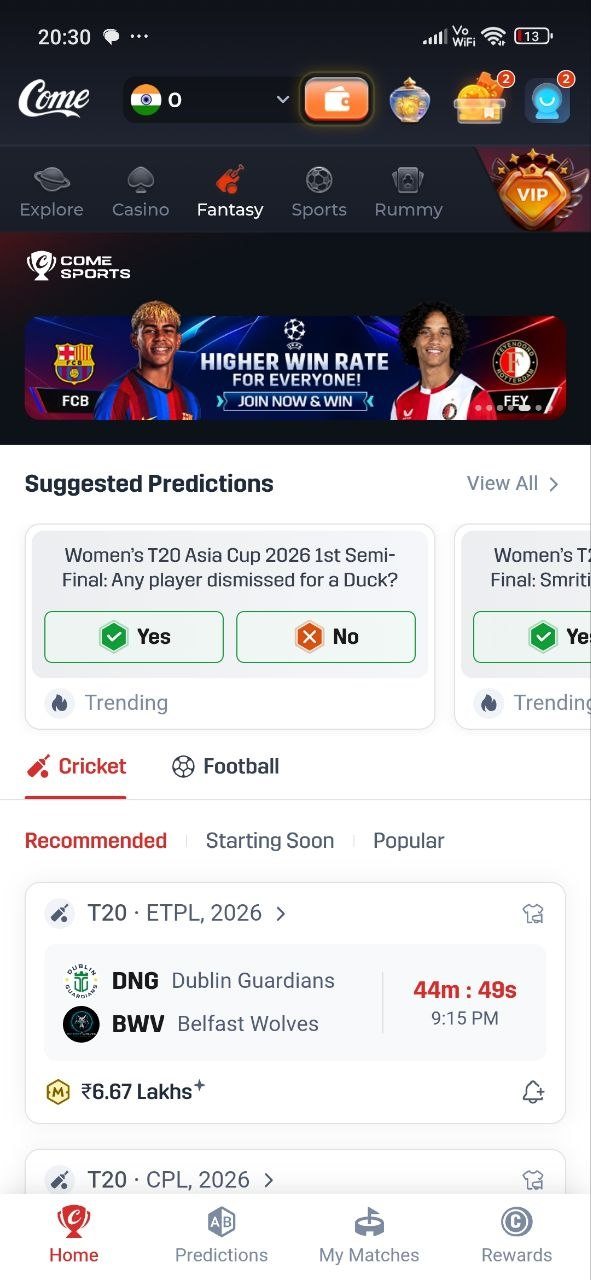
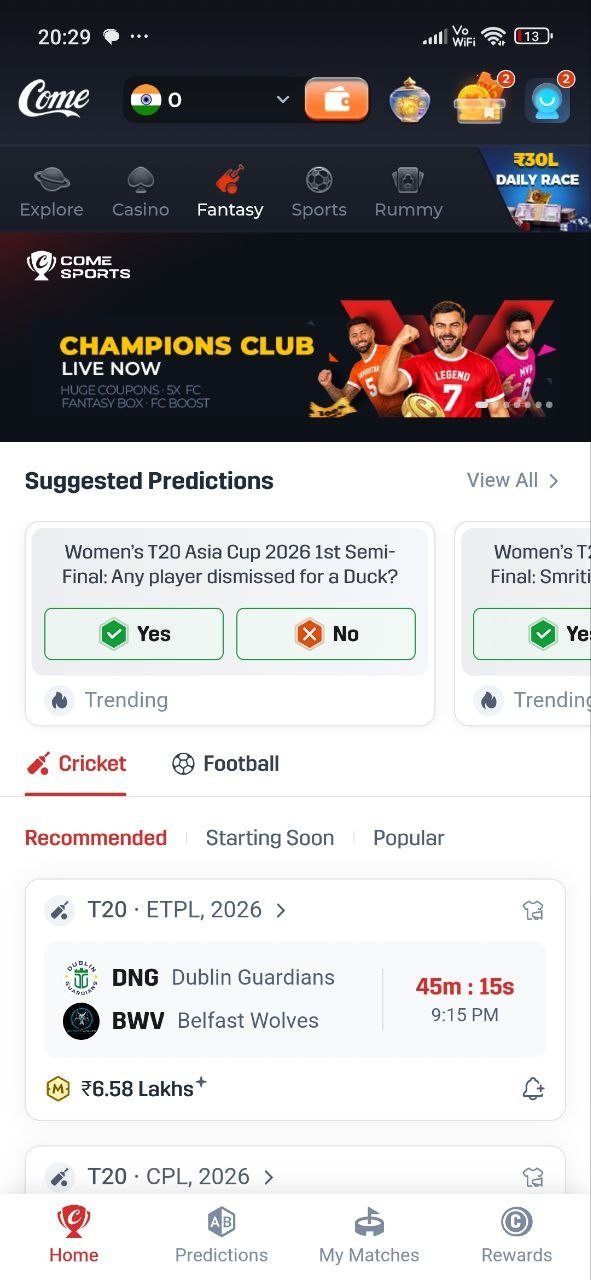
Real COME interface
The COME product you reach after access
These are real COME product screens, not Android installer screenshots. They show the product reached after access; installation troubleshooting remains separate.